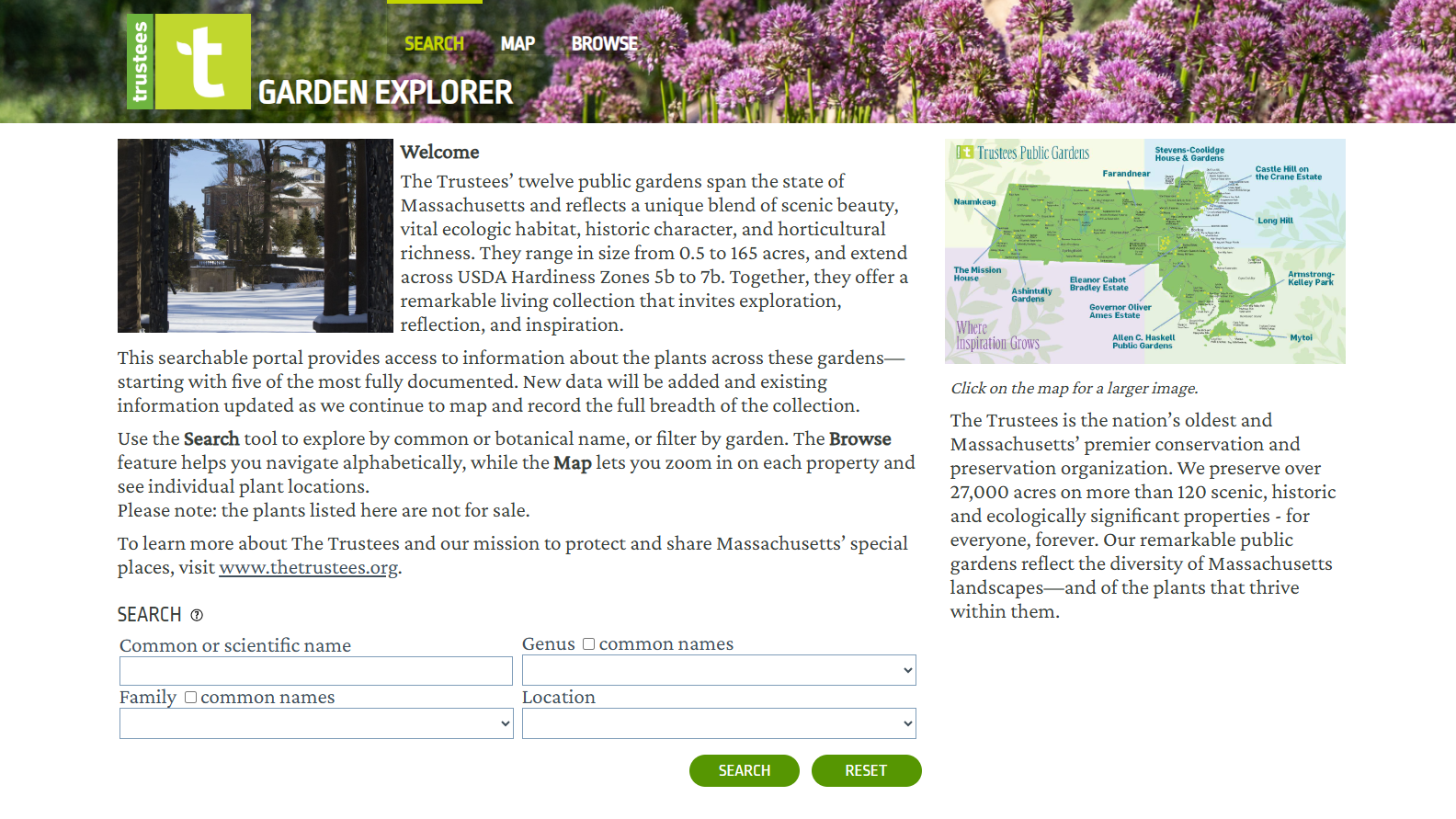
Uncover the horticultural richness of five of our most well-documented public gardens using the new Garden Explorer tool. This online portal provides access to garden plants by searching for their common or botanical names, browsing an alphabetical list, or pinpointing them on an interactive map. Keep reading to see how you can make the most of these powerful features.
Using the Interactive Map
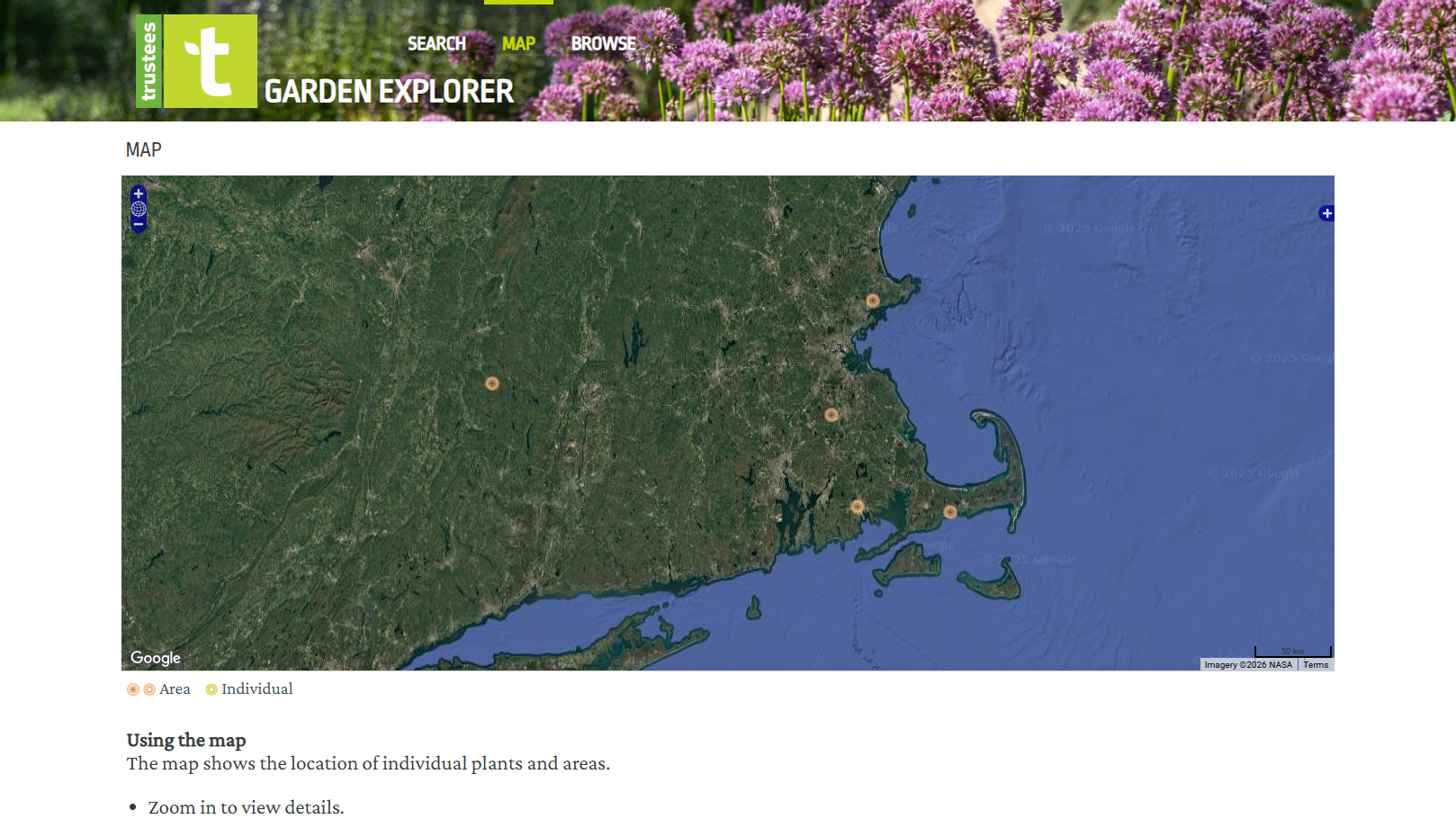
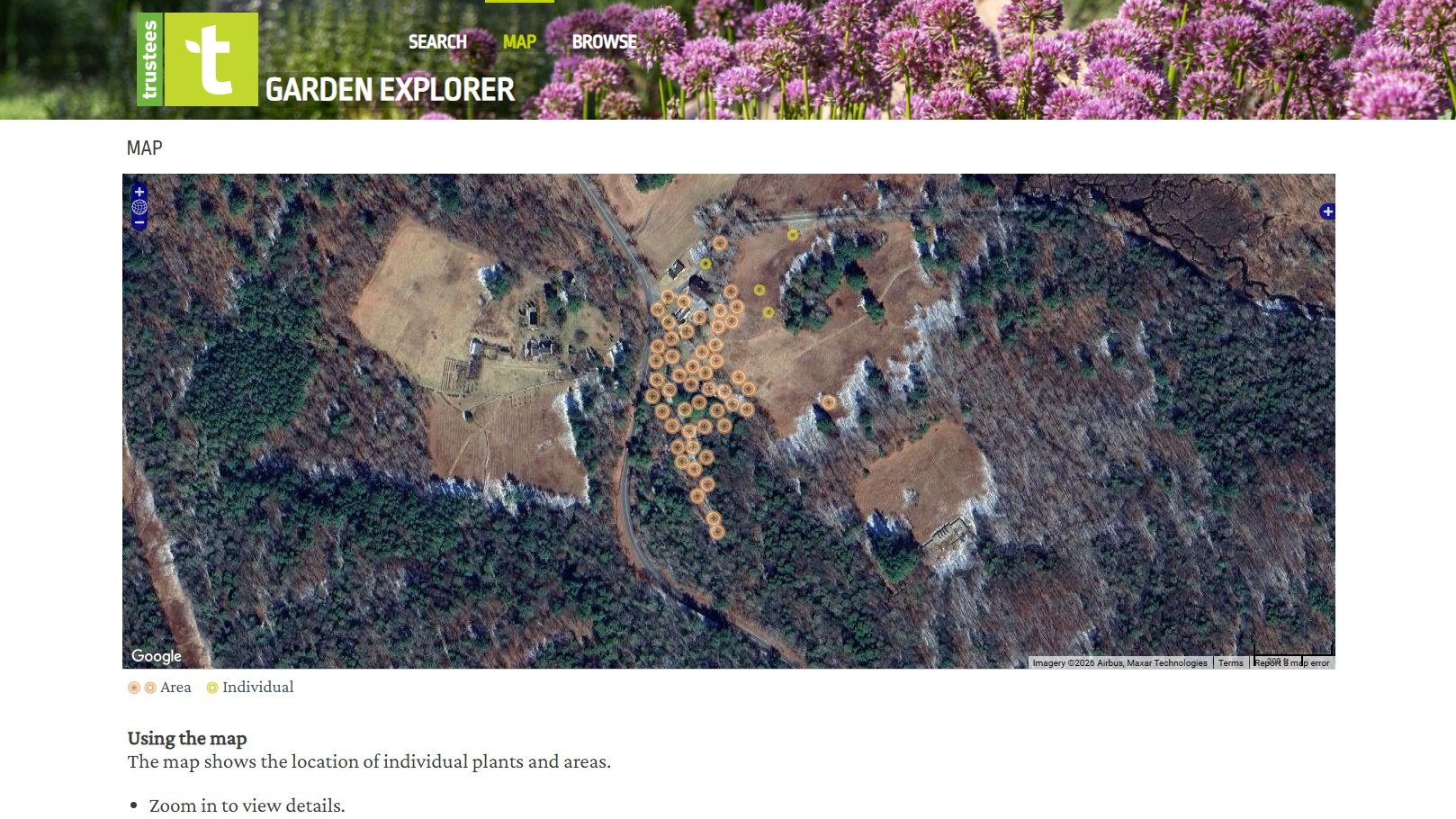
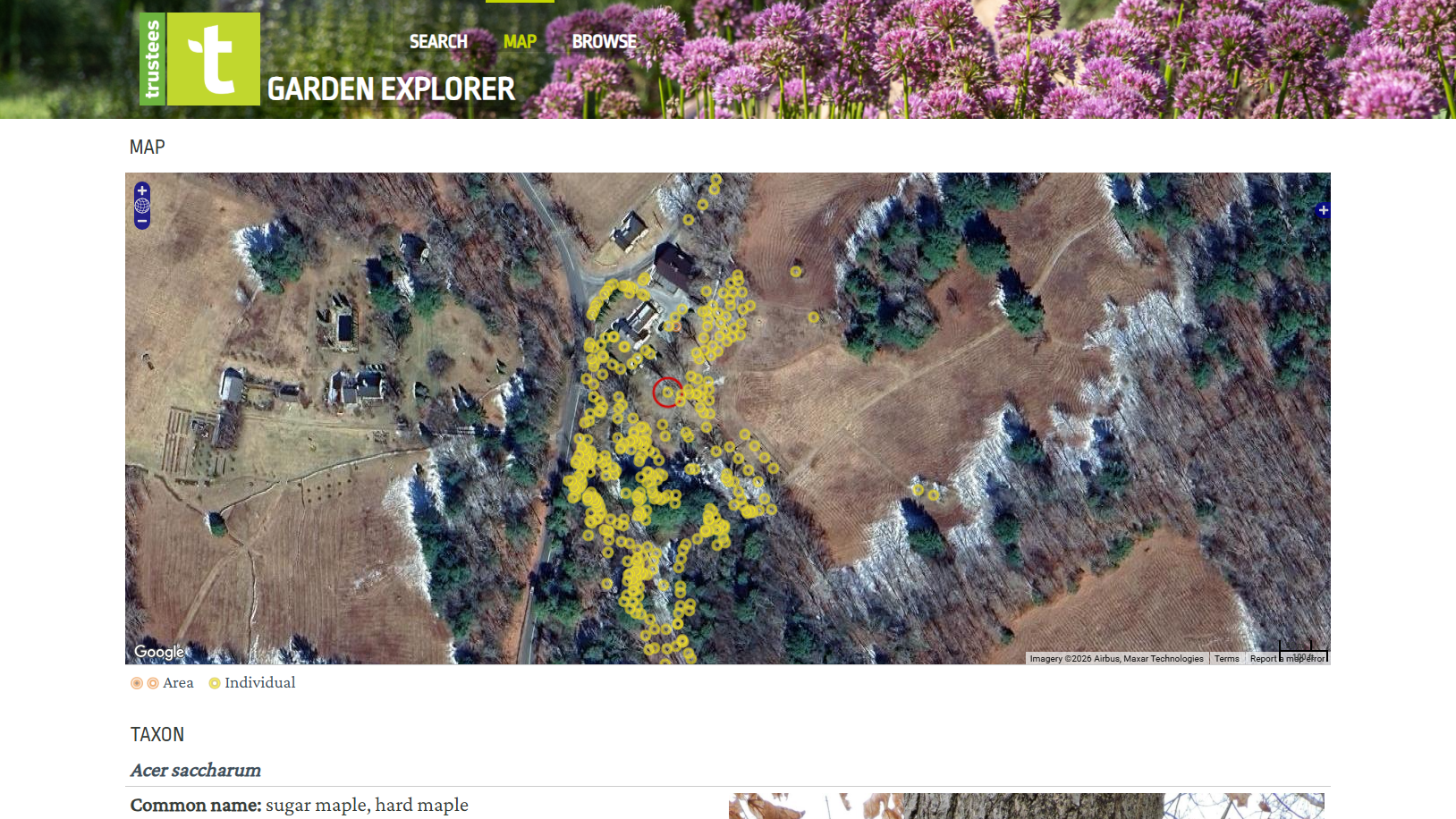
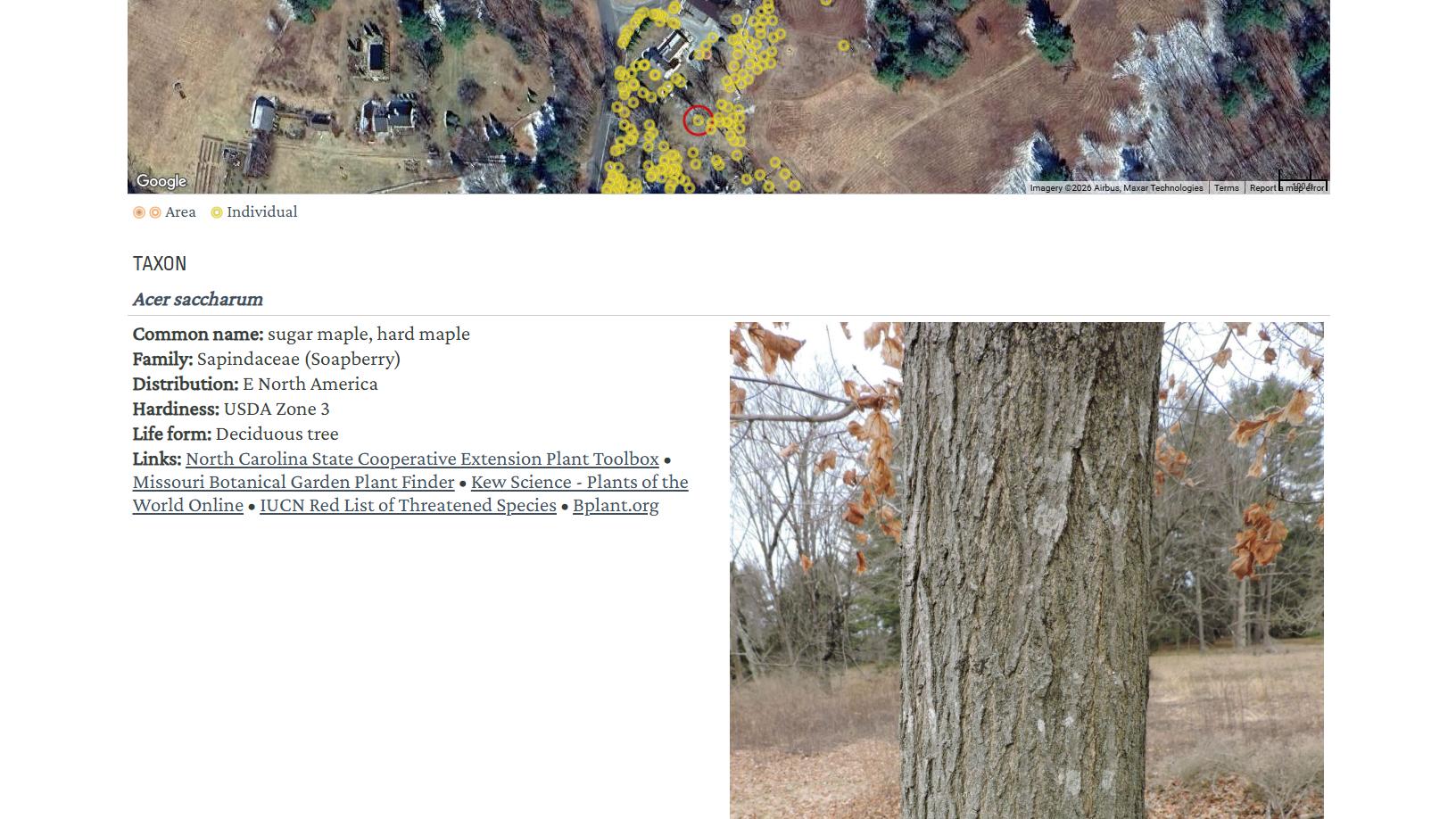
By zooming in close enough on a particular garden, the orange dots will turn yellow signifying an individual plant or plant grouping. By clicking on the yellow dot, more information about that plant will appear below the map.
This information includes the plant’s botanical and common names, family, distribution, hardiness zone, and life form (what it mostly resembles; in the example above, a tree). Links are also available to curated external sources if you’re looking for more information.
Using the Search
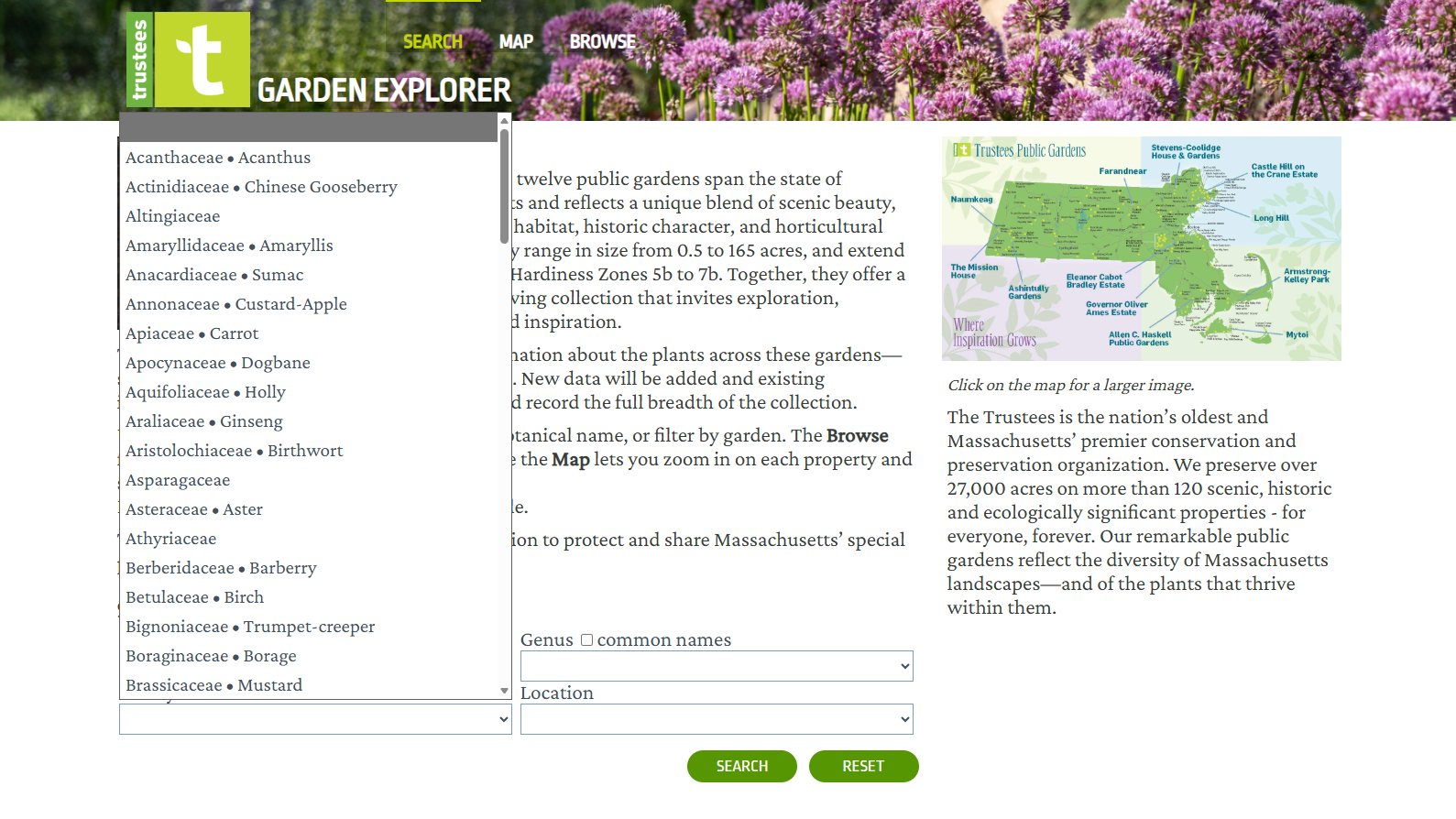
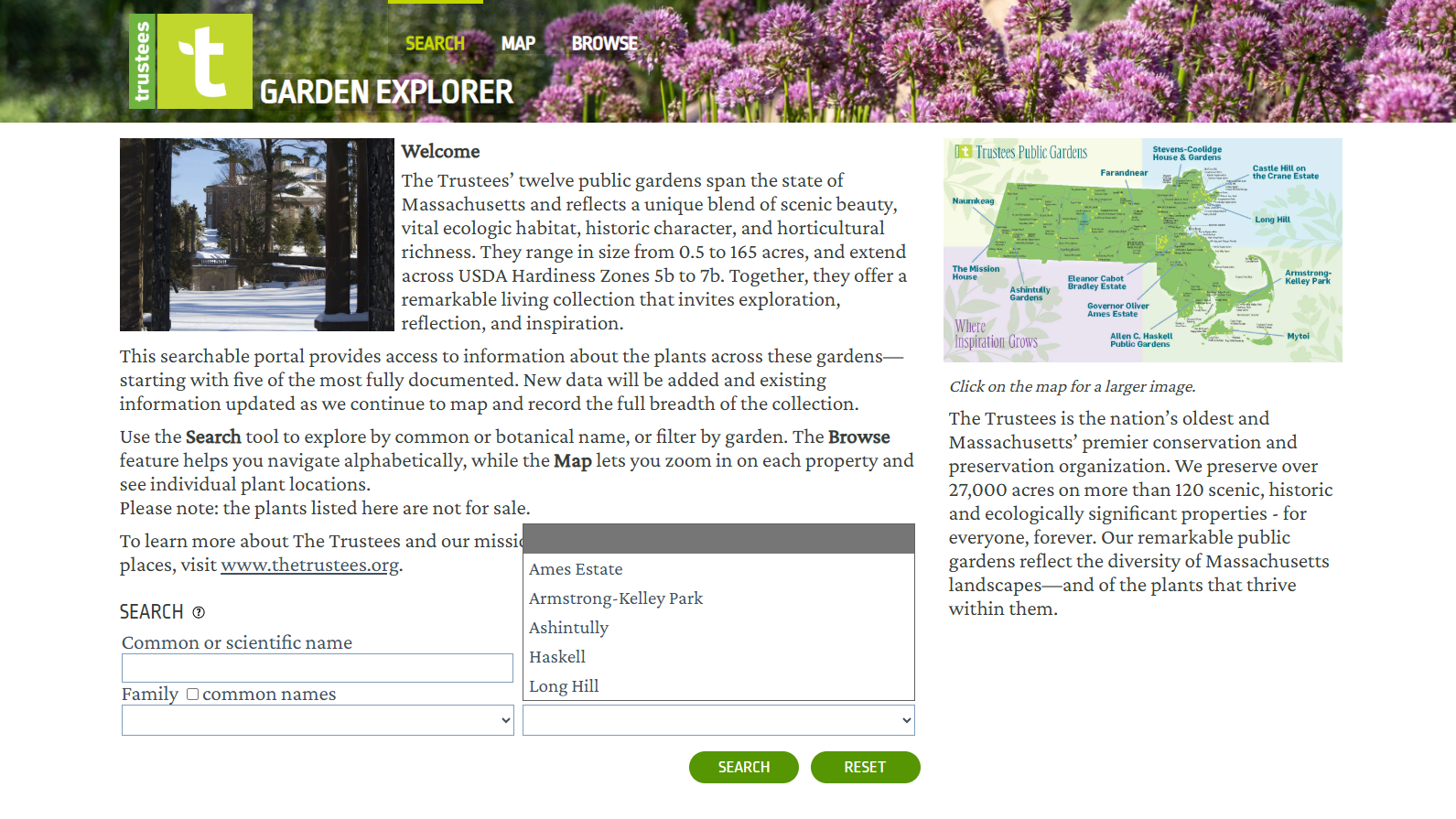
The search function found immediately on the home page of the Garden Explorer is great if you’re looking for a specific plant. You can search using its botanical or common name, family, location, or a combination of these fields. For example, you can search for all the magnolias in a specific public garden.
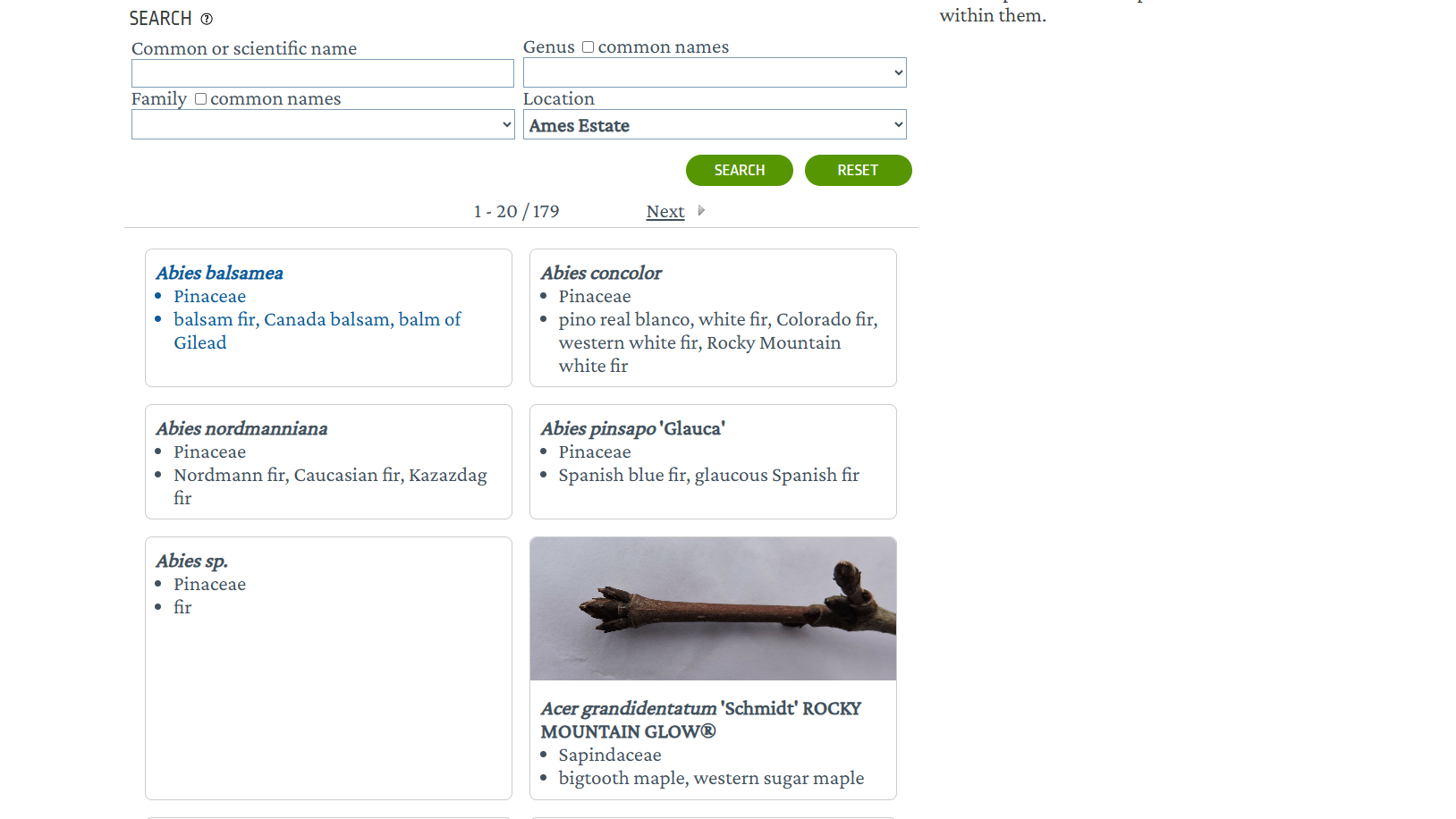
Clicking “SEARCH” will reveal the most likely results to your terms or location in a list format. While some information appears in this format, specific details on each plant can be found by clicking on the name (when available).
Browsing the Plants
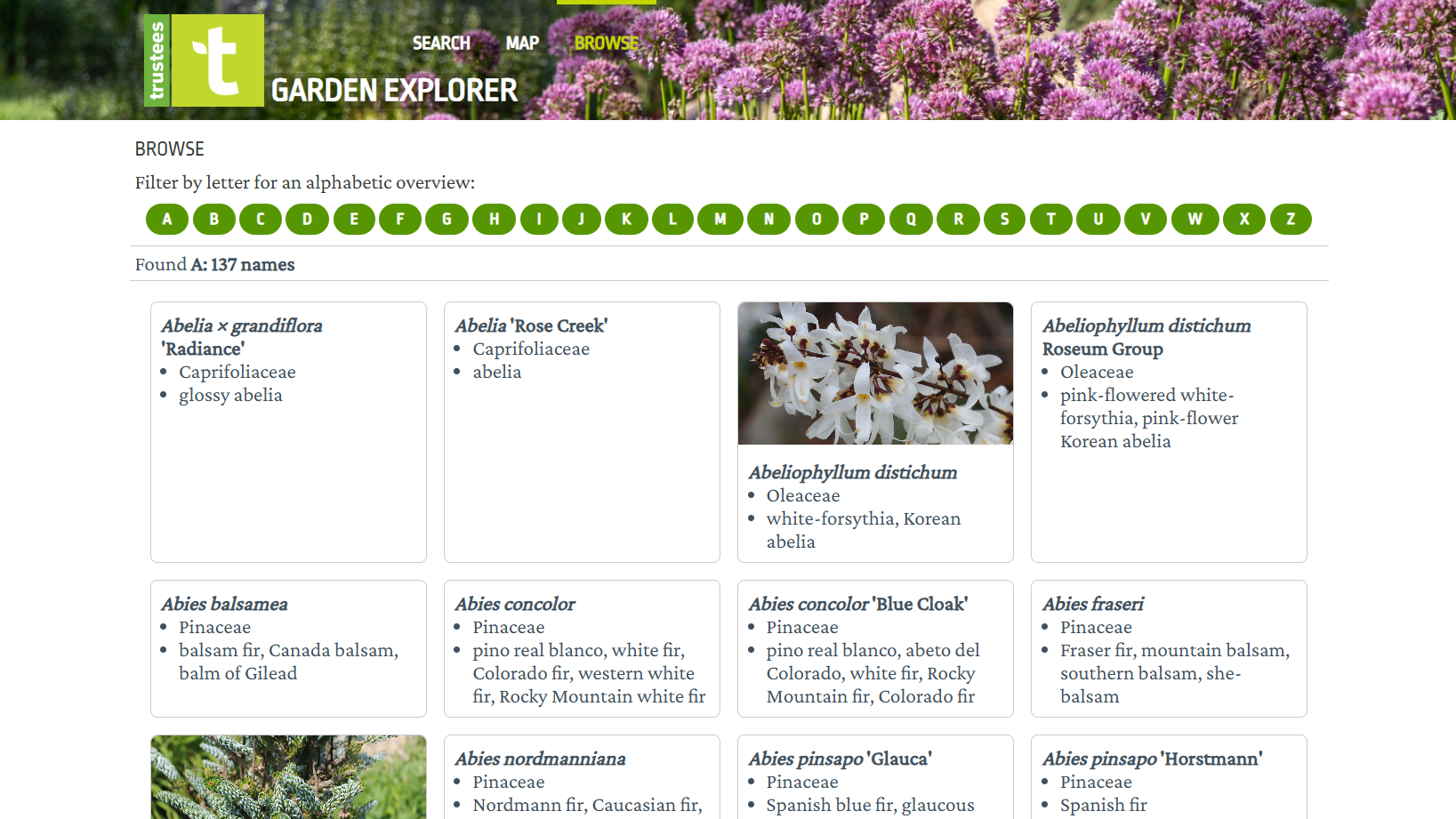
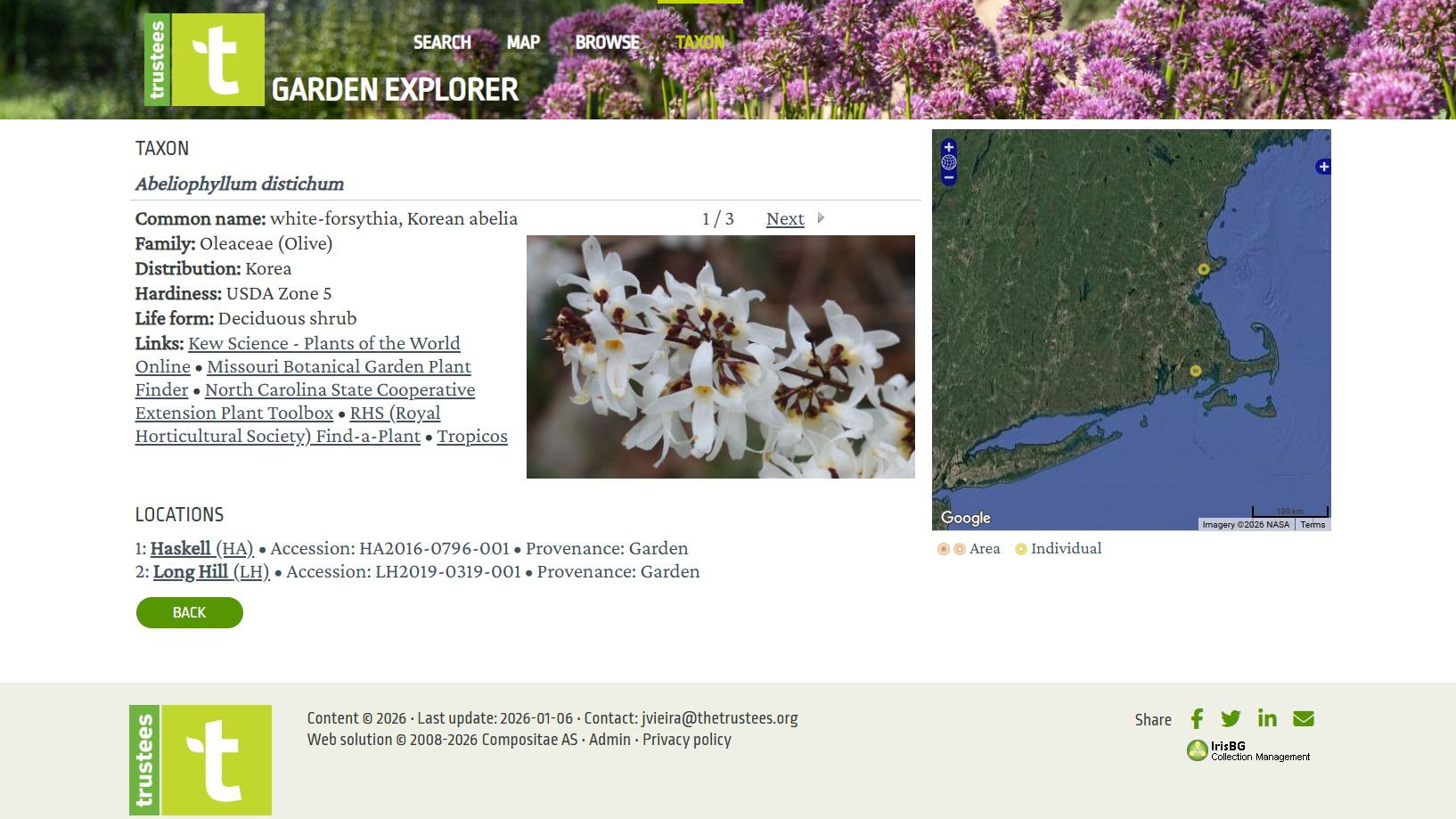
The third and final way you can use the Garden Explorer is by browsing. Clicking the “BROWSE” tab at the top of the page will send you to an alphabetical list of plants in the available Trustees Public Gardens. Images will also appear for plants when they are available.
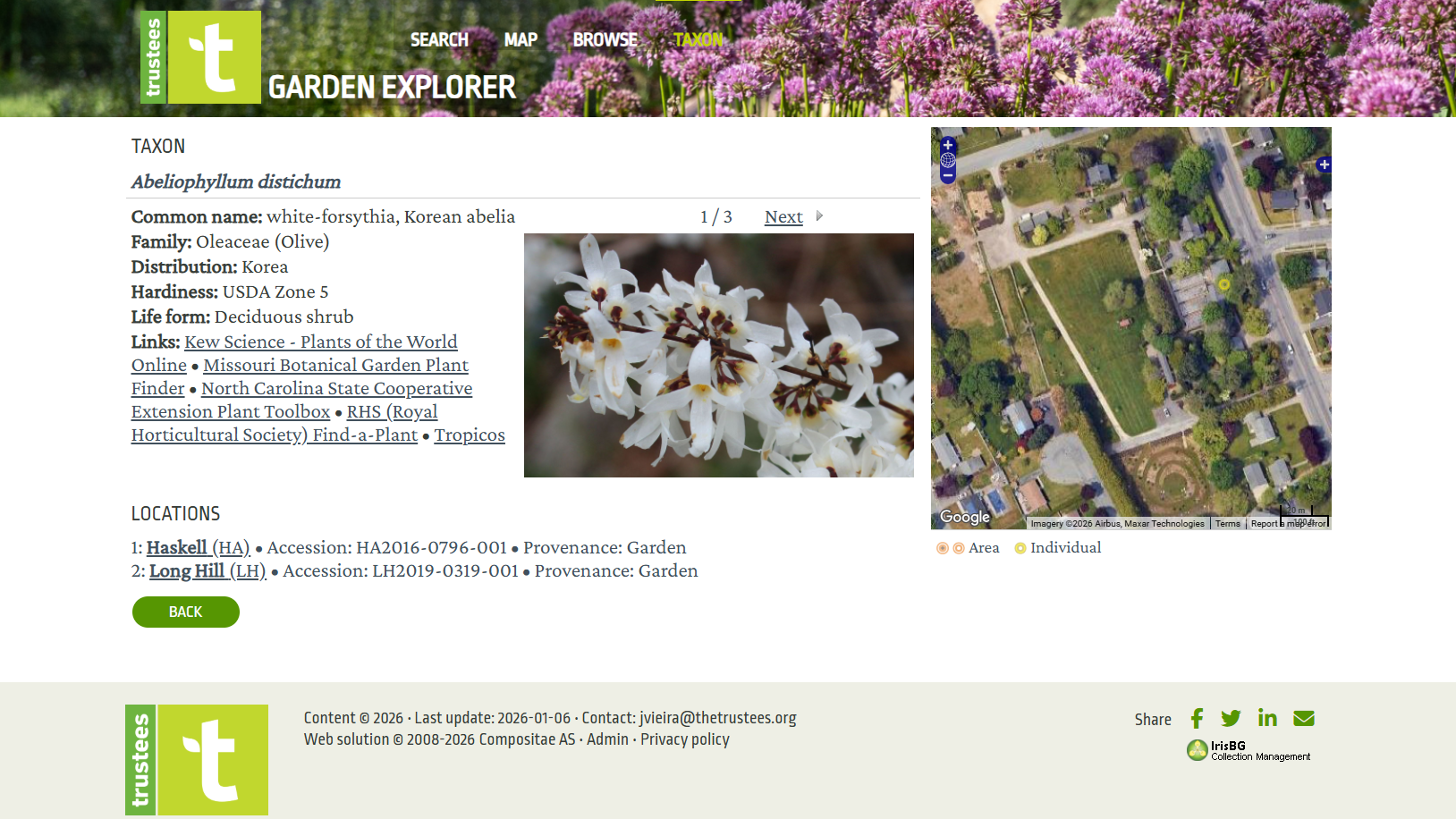
Like the map feature, some plants also have more details available to explore. This includes an interactive map on the right-hand side of the screen you can zoom in to pinpoint its location at each Trustees Public Garden.
What are you waiting for? Use the Garden Explorer online portal right now!
EXPLORE A GARDEN